

AI Phishing Scams in 2026: How Businesses Can Protect Themselves
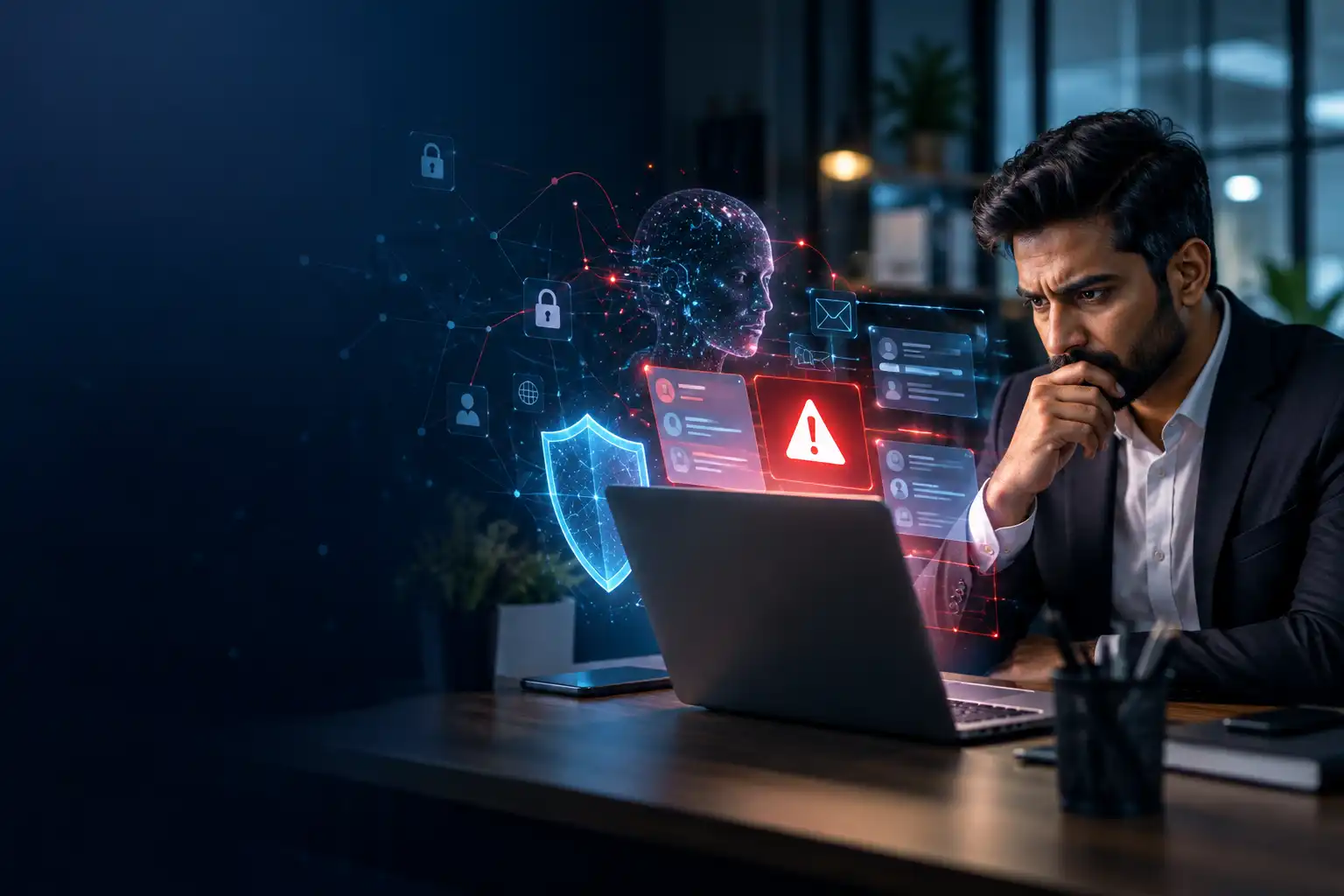
Artificial intelligence is transforming the way businesses operate, but it is also changing how cybercriminals attack them. In 2026, AI-powered phishing scams are becoming a growing concern for organisations that rely on email, cloud applications and digital communication.
Traditional phishing emails often contain suspicious links, spelling mistakes or unusual requests. AI tools can help attackers create convincing messages, personalise them for specific employees and imitate the communication style of trusted people.
For small and medium-sized businesses, a single compromised email account can lead to financial loss, stolen information, operational disruption and damage to customer trust.
So, how can your business stay protected?
What Are AI-Powered Phishing Scams?
AI-powered phishing is a type of cyberattack in which criminals use artificial intelligence to make fraudulent messages, websites or communications more convincing.
Instead of sending generic emails, attackers may impersonate company directors, suppliers, customers or IT support teams. They might ask an employee to approve a payment, share login credentials or open a malicious attachment.
Some attacks may also involve AI-generated voice impersonation or deepfake content, making it harder to determine whether a request is genuine.
The objective remains the same: trick someone into revealing sensitive information, transferring money or providing unauthorised access to business systems.
Why Is AI Phishing a Growing Business Risk in 2026?
Cybersecurity threats are evolving alongside business technology.
Microsoft’s 2026 Digital Defense Report identifies phishing as a significant initial access method in observed intrusions. INTERPOL’s 2025/2026 regional cyberthreat assessment also highlights the growing impact of phishing and technology-enabled scams across Asia and the South Pacific.
Several factors make these attacks particularly concerning:
More convincing emails: AI can help attackers produce professional-looking messages with fewer obvious warning signs.
Targeted impersonation: Criminals can personalise messages using publicly available information about employees and organisations.
Fake payment requests: Fraudsters may impersonate senior management or suppliers to manipulate finance teams.
Stolen business accounts: A compromised email account can expose confidential conversations and help attackers target other employees.
Cloud account compromise: Stolen credentials can provide access to email, shared files and business applications.
Businesses should not assume that an email is safe simply because it is well written or appears to come from someone they know.
Five Warning Signs Your Business Should Never Ignore
1. Unexpected payment requests
An email requesting an urgent bank transfer, supplier payment or change of bank details should always be verified independently.
Contact the person or supplier using a previously confirmed phone number. Do not rely on the contact information provided in the suspicious message.
2. Unusual login requests
Be cautious of unexpected requests to sign in, reset a password, approve a multifactor authentication prompt or verify an account.
Never approve a login request you did not initiate.
3. Suspicious links and attachments
A familiar company logo does not prove that a message is legitimate. Check the sender’s actual email address and verify links before opening them.
When in doubt, access the service through its official website rather than following the email link.
4. Unusual requests from senior management
An urgent message from a director or manager requesting confidential files, passwords or immediate payments should follow your normal verification process, even if it appears genuine.
5. Unexpected changes to business accounts
Unfamiliar login alerts, new forwarding rules, changed recovery details or unexpected password-reset notifications may indicate an account compromise.
Report these signs to your IT support team immediately.
Seven Practical Ways to Protect Your Business
1. Enable multifactor authentication
Use multifactor authentication (MFA) for email, cloud services, remote access and administrator accounts. Where available, prefer phishing-resistant methods such as passkeys or security keys.
2. Keep systems and applications updated
Apply security updates to operating systems, business applications, network equipment and websites. Prioritise critical vulnerabilities and unsupported software.
3. Secure business email
Use appropriate email security controls to detect suspicious messages, malicious attachments and impersonation attempts. Configure SPF, DKIM and DMARC for your business domain to help protect against email spoofing.
4. Train employees to recognise scams
Employees should know how to identify suspicious requests, verify payment changes and report possible phishing attacks without delay.
Security awareness should be ongoing rather than limited to a single training session.
5. Maintain reliable backups
Keep regular backups of important business data and verify that recovery works. Protect backups against unauthorised access and ransomware, and maintain an isolated or immutable recovery copy where practical.
6. Restrict access to essential systems
Give employees only the permissions they need. Review administrator accounts, remove unused access and monitor unusual activity.
7. Create an incident response plan
Decide what employees should do if they click a suspicious link, disclose credentials or approve a fraudulent transaction.
The plan should cover account containment, password resets, session revocation, evidence preservation, recovery and communication with relevant parties.
What Should You Do If an Employee Clicks a Phishing Link?
Act quickly. Do not wait until you notice unusual activity.
Report the incident to your IT or cybersecurity support team immediately.
If credentials were entered, use a trusted device to secure the affected account and revoke suspicious sessions.
Isolate an affected device from the network when there are signs of malware, following your incident response procedures.
Review email activity, login records and account changes for suspicious behaviour.
Contact your bank immediately if payment information or a financial transaction may have been compromised.
Preserve relevant evidence and follow applicable reporting requirements.
Changing a password alone may not be sufficient if an attacker has already established an active session or changed account settings.
Why Small Businesses Need Proactive IT Security
Many small businesses assume that cybercriminals primarily target large organisations. In reality, any business that holds valuable information, processes payments or relies on connected systems can be exposed to cyber threats.
Building an effective security programme does not necessarily mean investing in an expensive enterprise security department. It starts with the right controls, clear procedures, reliable backups and regular monitoring.
Managed IT services can help businesses maintain systems, manage security updates, monitor infrastructure, improve backup reliability and respond to technical problems.
The right approach combines technology, employee awareness and consistent security management.
How ITx247 Can Help Protect Your Business
At ITx247, we help businesses strengthen their technology environments through managed IT services, cybersecurity, cloud services and IT consulting.
Our goal is to help organisations reduce avoidable risks, improve IT reliability and maintain business continuity.
Depending on your business requirements, our services can help you:
Improve IT infrastructure security and maintenance.
Strengthen backup and disaster recovery practices.
Maintain systems through proactive IT support.
Improve cloud security and access management.
Identify technology risks and plan practical improvements.
Whether you operate a growing startup or an established organisation, taking a proactive approach to IT security can help protect your business from preventable disruption.
Do not wait for a cyberattack to review your security.
Contact ITx247 to discuss your business IT requirements and explore practical ways to strengthen your technology environment.
ITx247 — Your 24/7 Technology Partner.
Website: https://itx247.com
Email: info@itx247.com
WhatsApp: +94 76 767 5708
Frequently Asked Questions
Can AI create phishing emails?
Yes. Generative AI can help criminals draft convincing messages, personalise scams and imitate professional communication. AI can also support legitimate cybersecurity tools that identify suspicious activity.
How can a small business prevent phishing attacks?
Start with multifactor authentication, secure email configurations, employee awareness training, software updates, reliable backups and a clear incident response process.
Is antivirus software enough to stop phishing?
No. Antivirus software is useful, but it cannot prevent every phishing attack or fraudulent payment request. A layered security approach is more effective.
Do small businesses need managed IT security?
Managed IT services can help businesses that lack dedicated IT resources maintain systems, monitor risks and improve security practices. The appropriate level of support depends on the organisation’s size, systems and risk exposure.
What is the first step towards better cybersecurity?
Review your most important accounts, enable MFA, confirm that backups can be restored and establish a clear process for reporting suspicious messages.

Author